Home » Hob Guides & Advice » Why Won’t My Induction Hob Recognise the Pan? | Troubleshooting Guide
Why Won’t My Induction Hob Recognise the Pan?
An induction hob that does not detect a pan will not activate the zone. There is no heat, no display response, sometimes a brief error tone. In most cases the cause is one of five straightforward things, all user-checkable. Work through them in order before concluding there is a fault with the hob itself.
Induction only heats ferromagnetic materials. Aluminium, copper, glass, and non-magnetic stainless steel all produce no response at all, not a weak one. A quick magnet test confirms compatibility: hold a fridge magnet to the base of the pan. A firm stick means it will work; a slide or weak hold means it will not.
Not all stainless steel is magnetic. Austenitic grades (18/10, 18/8) are the most common and are non-magnetic. Tri-ply and multi-ply stainless pans have a magnetic base layer added for induction and will work correctly. See the guide to stainless steel pans on induction for a full explanation of the grades.
Every induction zone has a minimum pan diameter to trigger detection, typically 12 to 14cm depending on the zone size. A small saucepan placed on a large zone, or a pan slightly off-centre, may fall below this threshold and fail to register. The hob is working correctly; it simply cannot detect a pan that does not cover enough of the coil area.
A layer of residue, moisture, or food debris between the pan base and the glass surface increases the effective gap between the pan and the coil. For thin silicone mats or hob protectors this gap is usually not an issue, but significant residue or a wet surface can affect detection on some hobs. A warped or bowed pan base creates the same problem: the centre of the base lifts away from the glass, reducing the contact area that the coil can detect.
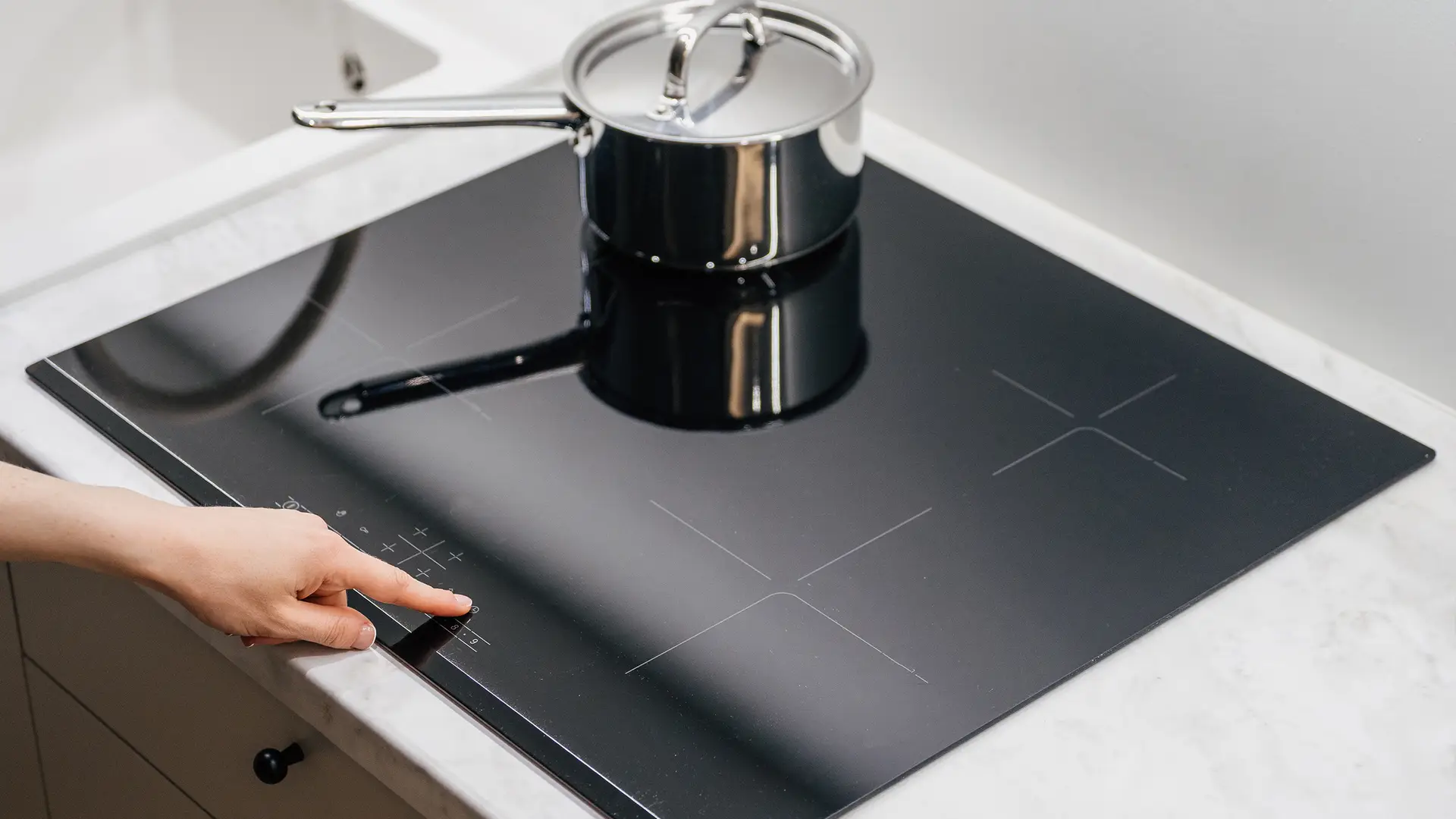
When the child lock is active, placing a pan on the zone and pressing the zone control does nothing. The hob will not activate. This is sometimes mistaken for a detection fault, particularly if the lock was activated accidentally. The display typically shows a key or padlock icon when locked, but on some models this indicator is small and easy to miss.
Some induction hobs have a demonstration mode (sometimes called “demo mode” or “showroom mode”) that allows the controls and display to function without activating the coils. This is set in retail environments so staff can demonstrate controls without the hob heating. A newly installed or recently reset hob is occasionally found in this state. The controls appear to work normally (zones activate, power levels display), but no heat is produced and no pan is detected.
If a single zone fails to detect any pan while other zones work normally, and the pan passes the magnet test on a working zone, the coil beneath that specific zone may have failed. If no zone detects any pan despite confirmed-compatible cookware, the pan detection circuit or control board may have developed a fault. Neither is user-serviceable.
Quick checks before calling an engineer
- Magnet test on the pan base: firm stick confirms compatibility
- Pan centred directly over the zone markings
- Pan base diameter at least 12cm, using the smallest suitable zone
- Hob surface and pan base clean and dry
- No padlock or key icon visible on the display
- Demo mode ruled out (check manual if newly installed)
- Test a confirmed-compatible pan on every zone to isolate which zones are affected
For detail on why stainless steel compatibility varies by grade, see can you use stainless steel pans on an induction hob. For a full overview of compatible materials including cast iron, carbon steel, and non-stick, see what cookware works best on induction. For service and spare parts, visit CATA product support.
Explore More Kitchen Advice & Buying Guides
Browse our latest articles covering appliance tips, energy-saving advice, and expert guidance – designed to help you choose, use, and get the most from your kitchen appliances.