Common Built-In Oven Problems and How to Fix Them
Most built-in oven faults fall into one of a small number of categories, and a good proportion of them can be diagnosed and fixed at home without a service engineer. Knowing which problems are DIY-friendly and which require a qualified engineer saves time, money, and the frustration of waiting for a repair call-out on a problem that turns out to have a five-minute solution.
Before you start any inspection
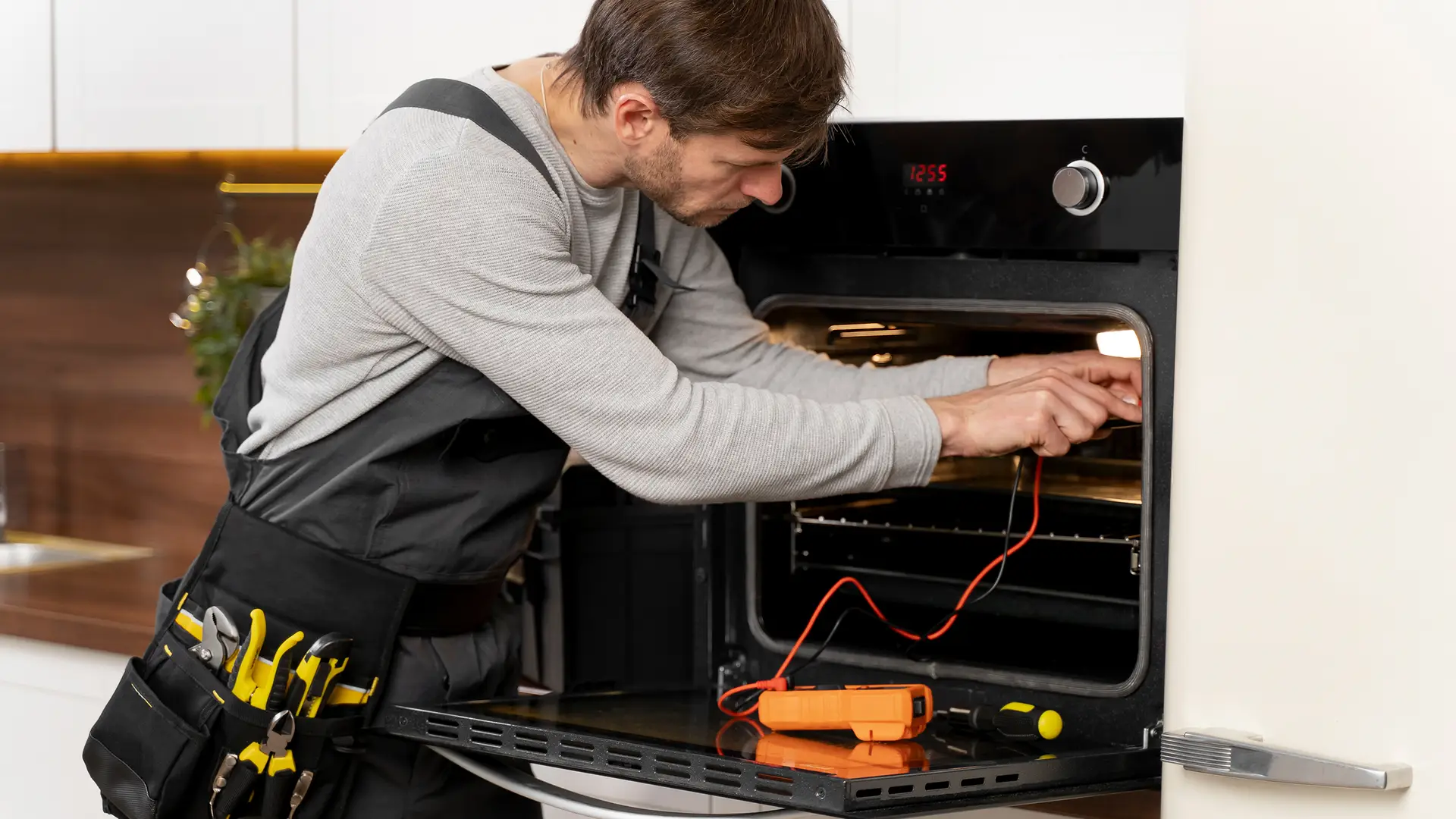
Switch off and isolate the oven at the wall switch or circuit breaker before opening any panels or touching internal components. If you notice smoke, a persistent burning smell that is not food residue, sparking, or the circuit breaker tripping repeatedly, stop and contact a qualified appliance engineer — do not attempt to diagnose these faults yourself.
Problem-by-Problem Guide
Select a symptom to expand the diagnosis and fix guidance. The badge on each card indicates whether the likely fix is DIY-friendly, mixed, or needs a professional.
The most common causes are a tripped circuit breaker, a blown internal fuse, or a failed heating element. Start with the simplest checks before assuming a component fault.
- Check the circuit breaker or fuse at the consumer unit. Reset if tripped and test the oven. If it trips again immediately, there is an electrical fault — call a professional.
- Check that the oven is not in demo mode. Some ovens ship with a mode that disables heating for display purposes. The manual will explain how to deactivate it.
- Check the oven’s internal fuse if accessible (usually behind the rear panel, described in the manual). A blown fuse is a DIY replacement.
- If the oven powers on and displays correctly but produces no heat, the heating element has most likely failed. This requires a qualified engineer — do not attempt to inspect or access internal electrical components yourself.
An oven that heats but consistently under- or over-shoots its set temperature is usually running on a miscalibrated thermostat, a partially failed element, or a damaged door seal allowing heat to escape.
- Place an oven thermometer in the centre of the cavity and compare its reading to the set temperature after 15 minutes at a steady setting. Most ovens are accurate to within 10°C; larger deviations suggest a thermostat issue.
- Inspect the door seal all the way around. A damaged or compressed seal allows heat to escape continuously, keeping the cavity temperature below the set point. A replacement seal is an inexpensive DIY fix.
- Check whether the fan is running on a fan-assisted setting. A failed fan motor will cause hot spots and uneven temperature across the cavity.
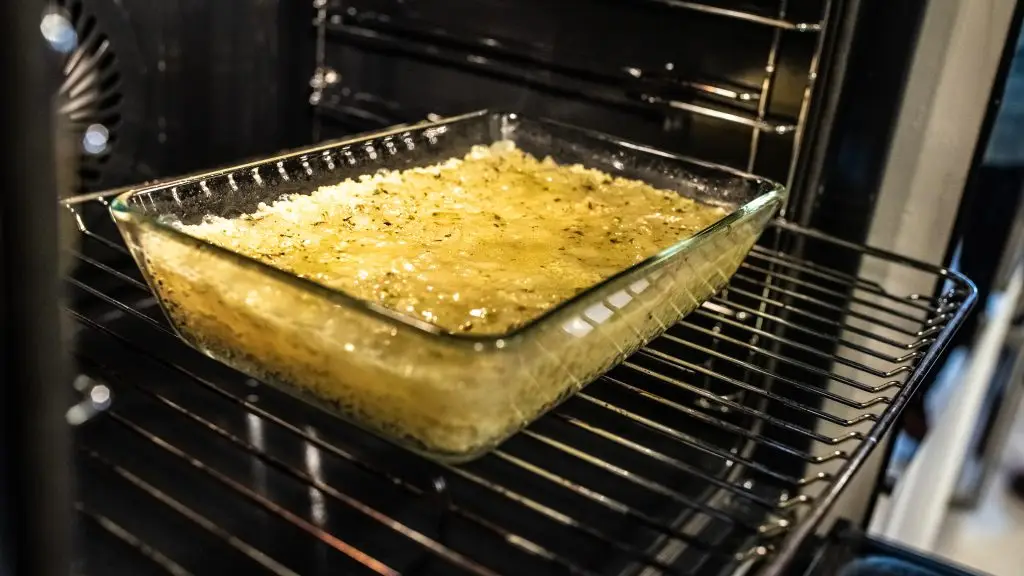
Uneven results are usually caused by overcrowded shelves restricting airflow, incorrect function selection, or a fan that is not circulating heat properly.
- Check that you are using the correct function. Fan oven mode distributes heat evenly; conventional top and bottom heat can produce hotter areas at the top. Use fan mode for baking and even cooking across multiple dishes.
- Avoid placing large flat trays that span the full shelf width — these block the fan’s airflow. Use trays that leave a gap at the sides and rear.
- Listen for the fan during cooking. It should be a consistent, fairly quiet background sound. A grinding, rattling, or intermittent sound indicates a failing fan motor.
- If the oven uses conventional heat (no fan), rotate dishes halfway through cooking to compensate for the natural hot zone at the top of the cavity.
A door that does not close flush or springs open slightly during cooking almost always comes down to a worn door seal, a bent or damaged hinge, or a shelf or tray that is not fully inserted and is catching the door.
- Check that all shelves and the oven floor are correctly seated and not protruding past the door frame.
- Examine the door seal for cracks, compression, or sections that have pulled away from the door frame. Run your hand along the seal edge with the oven hot — escaping heat is immediately detectable.
- Check the hinges by opening the door fully and inspecting the hinge arms for bending or damage. Hinge replacement on a built-in oven requires removing the door and accessing the hinge mechanism — this is a job for a qualified engineer.
A failed oven light is almost always a blown bulb. Oven bulbs are subjected to high temperature and vibration and have a limited service life — typically one to three years with regular use.
- Switch off and unplug the oven before changing the bulb — the glass cover and bulb holder get very hot and need to fully cool first.
- Oven bulbs are a specific type rated for high temperature (typically 300°C or higher) and are not interchangeable with standard household bulbs. The replacement bulb specification is in the manual or on the old bulb itself.
- If the new bulb does not work, the bulb holder or socket wiring may have failed — this requires a professional.
Different sounds indicate different issues — identifying the type of noise narrows the cause considerably.
- Clicking when heating up or cooling down: normal. Metal expanding and contracting with temperature changes. No action needed.
- Grinding or rattling from the fan: the fan motor bearings are wearing. The noise typically worsens gradually over weeks or months. Fan motor replacement is needed — professional job.
- Humming or vibrating sound: often a loose internal component or the cooling fan touching its housing. Can sometimes be resolved by checking that shelves and the oven floor are correctly seated.
- High-pitched squealing: almost always the fan motor. Replace promptly — a motor that fails completely during cooking leaves the oven inoperable.
Most modern ovens display error or fault codes when the control electronics detect a problem. The code is a diagnostic starting point, not a diagnosis in itself.
- Note the exact code and look it up in the appliance manual or on the manufacturer’s support pages. Error codes are model-specific — a code from one brand may mean something entirely different on another.
- Many codes can be cleared by switching the oven off at the wall for two to three minutes and switching back on. If the code returns immediately, the underlying fault is still present.
- Common resolvable codes include temperature sensor errors (sometimes triggered by a brief interruption) and door lock errors on self-cleaning models (sometimes resolved by manually checking the door is properly closed).
- Codes indicating element failure, control board faults, or persistent sensor errors require a professional diagnostic.
Pyrolytic self-cleaning requires the oven door to lock and the temperature to reach 450°C to 500°C. A failure at any point in this sequence prevents the cycle from running or completing.
- Check that all racks and trays have been removed. Most pyrolytic ovens will not start the cleaning cycle if the weight sensor or manual prerequisite is not met.
- If the door fails to lock, check that the door closes fully with no obstruction and that the seal is intact. A damaged seal can prevent the lock mechanism from engaging.
- Heavy grease build-up can cause the cleaning cycle to produce excessive smoke that triggers the thermal cutout, halting the cycle mid-way. Run a shorter cleaning cycle to reduce the initial load, then run the full cycle.
- A temperature sensor fault will prevent the oven from reaching pyrolytic temperature. This produces an error code and requires professional diagnosis.
When to Call a Professional
- The circuit breaker trips when the oven is in use
- Visible sparking or arcing inside the cavity or at the back panel
- A persistent burning smell that is clearly electrical rather than food residue
- The oven produces smoke from the rear or sides of the appliance rather than from the interior
- A heating element, internal fuse, or any other electrical component needs replacing
- Any fault involving the control board, thermostat, or wiring
- A fan motor that needs replacing
For CATA ovens, full product support including fault guidance and approved service engineers is available at cata-appliances.co.uk/product-support.
Quick Reference Table
| Problem | Most likely cause | Fix approach |
|---|---|---|
| Not heating at all | Tripped breaker, demo mode, failed element | User: reset breaker, check demo mode / Pro: all electrical faults |
| Not reaching set temperature | Worn door seal, thermostat fault, failed element | User: replace door seal / Pro: all component faults |
| Uneven cooking | Wrong function, overcrowded shelves, fan fault | DIY: adjust settings and shelves / Pro: fan motor |
| Door not closing | Worn seal, bent hinge, misplaced shelf | User: replace seal, reseat shelves / Pro: hinge replacement |
| Light not working | Blown bulb | DIY: replace bulb (correct spec) |
| Unusual noises | Thermal expansion (normal), fan motor, loose component | DIY: check components / Pro: fan motor replacement |
| Error code on display | Model-specific — check manual | DIY: look up code, power reset / Pro: if code persists |
| Self-cleaning not working | Accessories not removed, door seal, temperature sensor | DIY: remove racks, try short cycle / Pro: sensor or lock fault |
If a recurring fault suggests the oven is nearing the end of its service life, CATA’s single oven range and double oven range include models with pyrolytic self-cleaning, multifunction cooking programmes, and A-rated energy efficiency. The guide to self-cleaning ovens covers what to look for when choosing a replacement.