
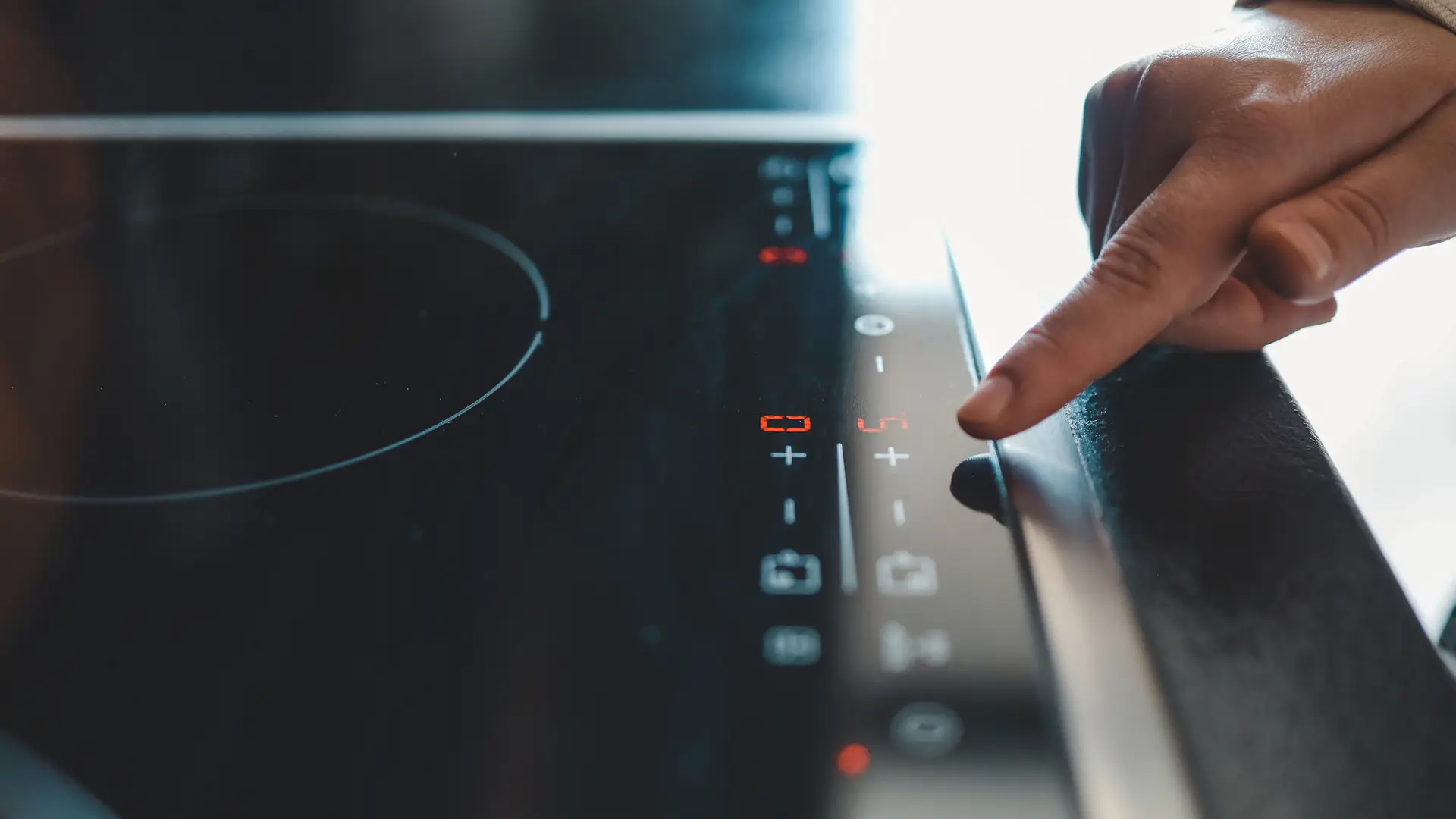
Common Induction Hob Error Codes Explained – Troubleshooting Guide
Few things are more frustrating than preparing dinner and suddenly seeing an unfamiliar error code flash across your induction hob display. These alerts can be confusing, especially if you’re unsure whether it’s a minor issue you can fix or a fault that needs a qualified engineer.
Modern induction hobs include built-in safety and diagnostic systems. Their error codes act as quick signals that something needs attention — anything from incompatible cookware to sensor or power problems. Understanding the message behind the code can save you time, stress, and money.
In this guide, we’ll demystify the most common induction hob error codes, show you the likely causes, and walk you through practical troubleshooting steps. You’ll also learn how to prevent recurring issues and when it’s best to book professional support.
- What the codes mean — simple explanations you can act on.
- Quick fixes — safe steps to try before calling for help.
- Prevention tips — habits that keep your hob running smoothly.
- When to call an engineer — clear signs it’s time for expert repair.
What Are Induction Hob Error Codes?
Induction hob error codes are built-in alerts that appear on the display when your hob detects a problem. They’re designed to help you quickly identify what’s wrong without having to dismantle the appliance or guess at the cause.
Every code is linked to a specific issue — for example, using the wrong type of cookware, an overheating sensor, or a problem with the power supply. By showing a clear message on the digital display, the hob helps you respond quickly and keep your kitchen safe.
It’s worth noting that error codes can vary between brands and models. While many manufacturers use similar systems, some codes may mean different things depending on the make of your appliance. That’s why it’s always a good idea to check your user manual alongside this guide.
- Purpose: Diagnostic tool for quick problem detection.
- Location: Usually shown on the LED or digital control panel.
- Variation: Codes differ across brands, so consult your manual.

How to Read Error Codes on Your Induction Hob
Understanding them is straightforward once you know where to look and what they mean:
-
Check the display:
Most error codes appear directly on the LED or touch control screen. -
Refer to the manual:
Your hob’s instruction booklet will often list codes specific to your brand and model. -
Take note of conditions:
Pay attention to what you were doing when the error appeared — changing heat settings, placing a pan, or cooking for a long time. -
Reset if safe:
Switching the hob off at the mains for a few minutes can sometimes clear minor errors.
By carefully reading the error code and cross-referencing it with your hob’s guide or the common codes listed in this article, you’ll know whether it’s something simple to fix yourself or an issue that requires professional attention.
Common Induction Hob Error Codes and Their Meanings
| Error Code | Cause | Quick Fix |
|---|---|---|
| E0 / E1 | No pan detected or unsuitable cookware. | Use a flat-bottomed, induction-compatible pan of the correct size. |
| E2 | Hob overheating or protection activated. | Turn off the hob, allow it to cool, and check ventilation around the appliance. |
| E3 / E4 | Voltage supply issue (too high or too low). | Check your mains supply. If the issue continues, call a qualified electrician. |
| E5 | Internal temperature sensor fault. | Restart the hob. If the error persists, professional service is required. |
| E6 | Cooling fan not working or hob too hot. | Ensure air vents are not blocked. Contact an engineer if the problem continues. |
| F0 / F1 | Touch control panel fault. | Turn off the hob at the mains and restart. If the error reappears, service is needed. |
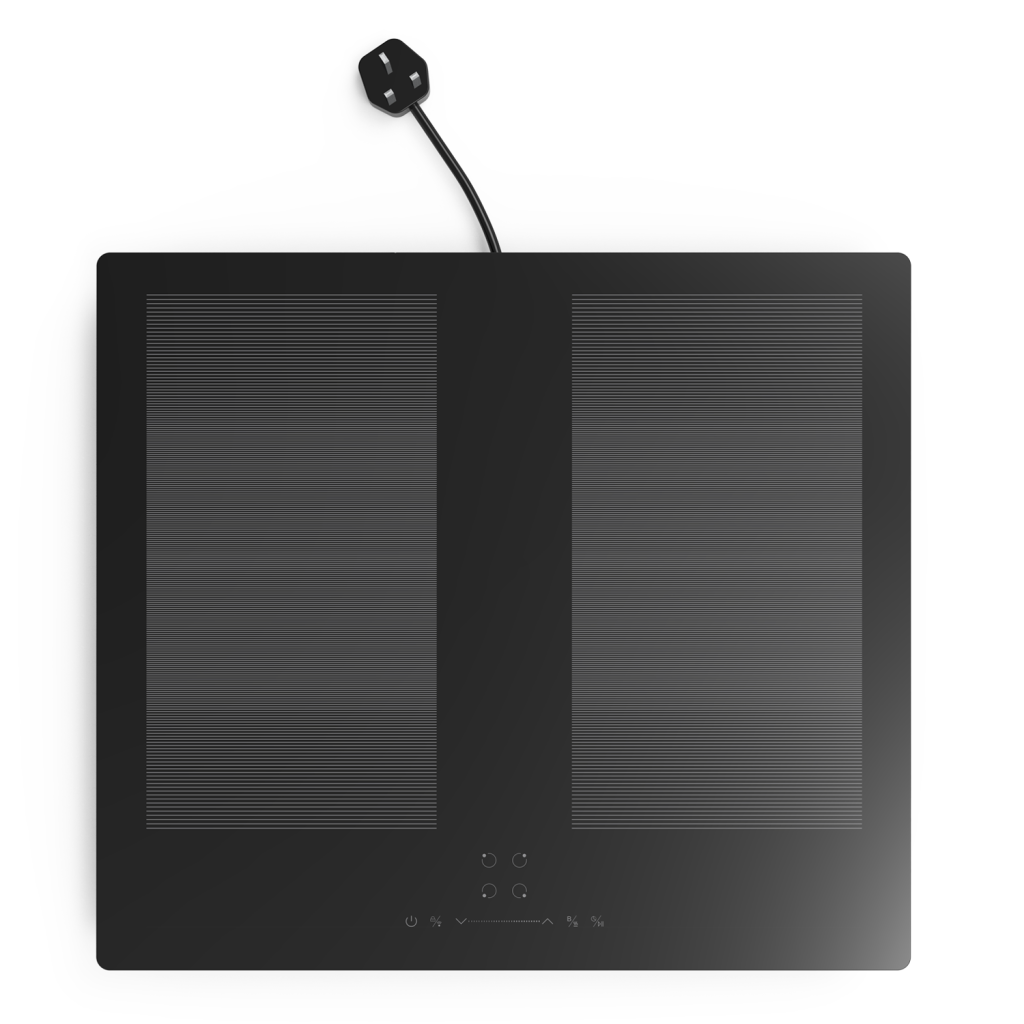
Troubleshooting Induction Hob Error Codes
-
Switch off and restart:
Turn the hob off at the mains, wait a few minutes, and restart. This often clears temporary faults. -
Check cookware:
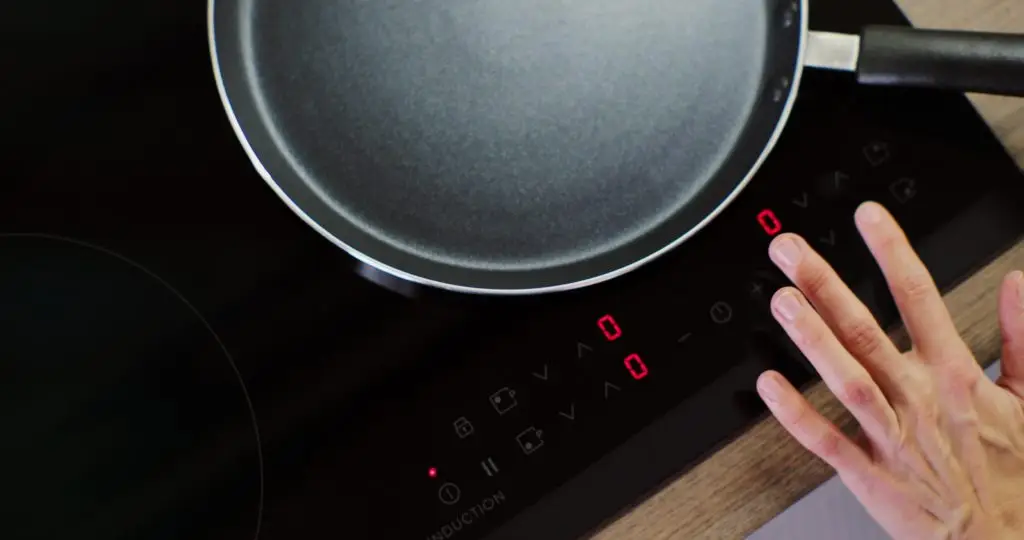
Ensure you’re using an induction-compatible pan with a flat base and the correct size for the cooking zone. -
Inspect the surface:
Clean and dry the hob. Moisture, spills, or debris on the touch controls can trigger error messages. -
Ensure ventilation:
Make sure the cooling fan vents are clear and not blocked by objects or dust build-up. -
Check your power supply:
If you see codes like E3/E4, you may have a voltage issue. Avoid extension leads and contact an electrician if needed. -
Reset to factory settings:
Some hobs offer a reset option via the control panel. Check your user manual for the correct method.
If the same error code keeps returning despite these checks, it’s likely a deeper technical issue — contact a qualified service engineer.
Preventing Induction Hob Errors
-
Use compatible cookware:
Always choose induction-ready pans with a flat base to ensure proper detection. -
Keep the surface clean:
Wipe away spills immediately to prevent liquid or grease from interfering with the touch controls. -
Allow good ventilation:
Ensure the cooling fan and air vents remain unobstructed so the hob doesn’t overheat. -
Avoid overloading zones:
Don’t place oversized pans across multiple zones, as this can confuse the hob’s sensors. -
Protect against power surges:
Use a surge protector to safeguard the hob from sudden electrical spikes. -
Don’t run for long periods at maximum heat:
Give the hob breaks during heavy cooking to avoid overheating. -
Regularly check the plug and cable:
Look for signs of wear, damage, or loose connections to maintain safe operation.
By practising these simple steps, you’ll not only prevent frustrating error codes but also extend the overall lifespan of your induction hob.
When to Call a Professional Engineer
| Situation | Why You Need an Engineer |
|---|---|
| Repeated error codes | Persistent codes, even after troubleshooting, suggest a deeper fault. |
| Electrical faults | Issues with wiring, circuits, or voltage supply require expert handling. |
| Sensor or fan failures | Errors like E5 or E6 may need replacement parts. |
| Control panel issues | Codes such as F0/F1 indicate hardware or software faults in the touch panel. |
| Burning smells or noises | Signs of overheating or damaged components that should be inspected immediately. |
If you encounter any of these issues, switch off your hob at the mains and contact the manufacturer’s service team or an authorised repair engineer for safe diagnosis and repair.
Summary – Error Codes on Your Induction Hob
Understanding induction hob error codes can save you a great deal of time and worry in the kitchen. Many codes point to simple issues such as using the wrong pan or overheating protection kicking in — problems you can often fix yourself with a quick check.
By learning what the most common codes mean and following basic troubleshooting steps, you’ll be able to resolve minor faults and prevent them from reoccurring. At the same time, knowing when to call a professional engineer ensures your appliance stays safe and continues to perform at its best.
With good maintenance habits, the right cookware, and a bit of knowledge, you can keep your induction hob running smoothly for years to come.
Frequently Asked Questions
- All Posts
- Cooker Hood Guides & Advice
- Dishwasher Guides & Advice
- General Appliance Guides & Advice
- Hob Guides & Advice
- Laundry Guides & Advice
- Microwave Guides & Advice
- Oven Guides & Advice
- Wine Cooler Guides & Advice
Discover how energy-efficient modern wine coolers are, compare running costs, and learn tips to reduce energy use. Keep your wine...

Find out which containers are microwave-safe and which to avoid. Keep your meals and microwave safe with CATA’s quick kitchen...
Struggling with uneven bakes? Learn how to fix hot spots, calibrate your oven, and improve temperature accuracy for perfect cooking...